

iWorx Newsletter Signup:
Happy New Year and Welcome Back to Spring Semester!
iWorx strives to make sure you have everything you need at your fingertips to use your iWorx Physiology Systems to the max! Our Support team encourages you to visit our website and take full advantage of all the information we post there. Our website includes a Tech Center, Video Tutorials, archives of our monthly Newsletters, and much more.
The best place to find helpful information is right on the iWorx FAQ page or the main Support page.
Priority To Do
At the beginning of every semester, please update your LabScribe Software.
iWorx keeps up with latest technological information so we are continually updating our software to work with the latest OS on both PC and Mac computers. Software downloads and upgrades are always free to our iWorx customers and can be found only on the User Area of our website. If you are already a registered customer – just sign in as usual. Register if you or your IT Depts need to here: Registration Form.
All iWorx Users should now be running the new LabScribe ver. 26.xxxx. Please download and install the latest COMPLETE version for all the new labs and software upgrades. Easy installation of the software for you or IT.
New for 2026
Updates to LabScribe
Labs are now color-coded for ease of immediately being able to identify difficulty level. Green, easy; Yellow, moderate; Orange, hard; and Red, advanced. We have added new Physics and Chemistry labs, including: Pendulum Drop, Beer’s Law and others. These will be included in the new General Science section of the manual.
Spirometry Lab Recommendations
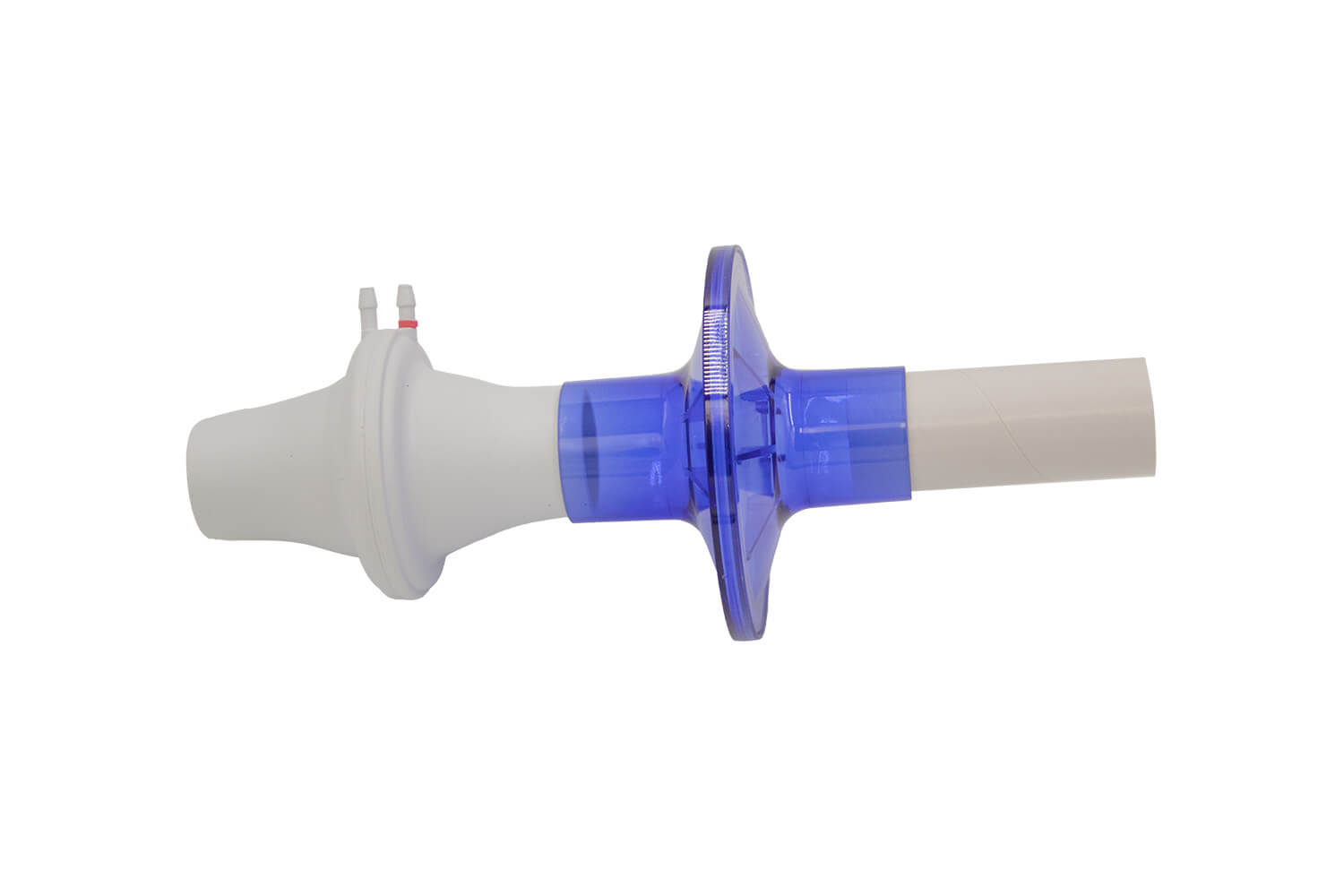
iWorx strongly recommends using individual bacterial/viral filters and disposable mouthpieces on the flow heads (Student Respiratory Kit). Independent laboratory tests have verified that more than 99.999% of bacteria and 99.99% of viruses are filtered out.
Cleaning & Storage Procedures
We recommend storing your equipment in the kit box or in drawers with a foam insert to protect the transducers.
Cleaning procedures for the iWorx systems are quite easy. Everything from the recording system to the all the sensors can be wiped down with disinfecting wipes. Make sure there is ample contact time for the wipe to do its job before the next person handles the system. Please do not use alcohol on any of our products.
Metabolic Cart – the tubing and mixing chamber, which are only exposed to expired air, can be cleaned with hot, soapy water using an antibacterial dish washing liquid. The mask and non-rebreathing valve should be cleaned using these directions Cleaning the Mask which come directly from the manufacturer. The 3L calibration syringe can be cleaned with disinfecting wipes.
Continuing for 2026
Interactive Zoom Trainings
iWorx will be offering real-time, remote, regional training workshops. These will be 90 minute workshops using Zoom and will be interactive so you can ask questions while you learn how to use LabScribe effectively.
Technical Support/Education – Individual Training also available
In order to continue to fulfill our customers’ training and support needs, iWorx also provides free one-on-one web training for you and your colleagues. Setting up training is easy, just contact Judi D’Aleo, Education/Technical Support Specialist, at [email protected] and she will get you on her calendar.
iWorx for Research
Many iWorx users use their systems for both Teaching and Research., including student research. iWorx also offers research systems for various applications including: ECG, EMG, Zebrafish systems and many more. Check out our Research page for more information. You can request information here: [email protected].
Contact Us
Contact iWorx's Tech Support Team
Have questions or want to schedule a demonstration of our products? Schedule a time to meet with iWorx’s specialized Tech Support Team by filling out the form.
One of our team members will get back to you directly.