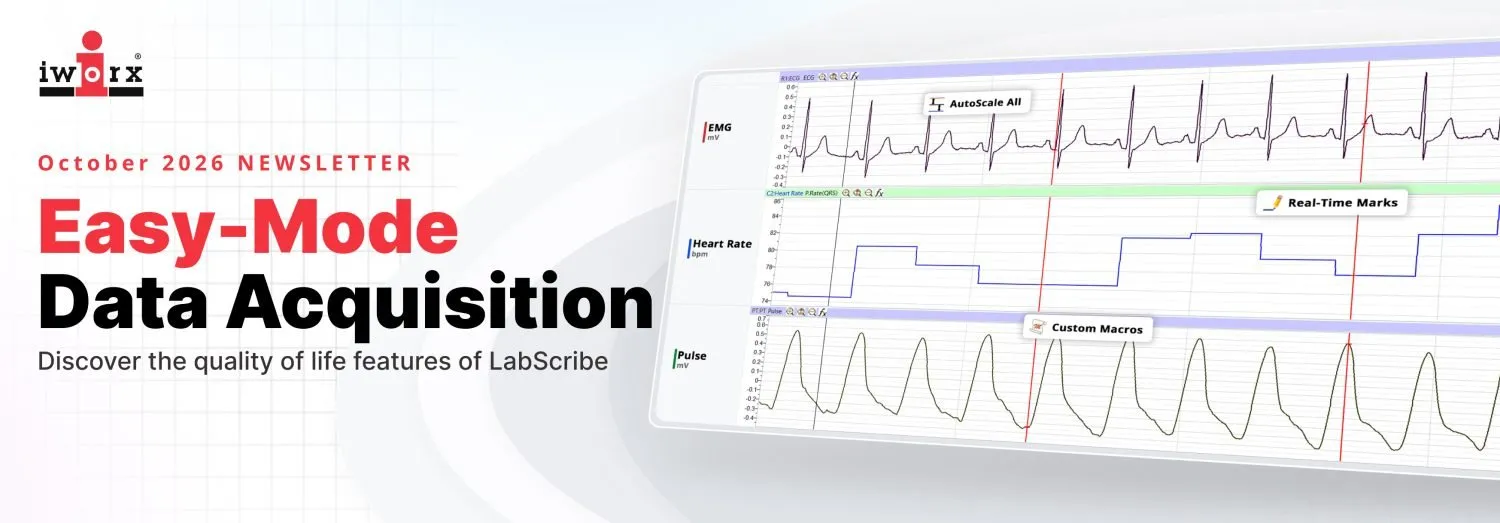
2. Time-Travel with Real-Time Marks

Forget scribbling messy time-codes in a physical lab notebook. With LabScribe’s Marks feature, you can drop time-locked notes directly onto your live data stream using pre-set function keys:
- Preset Annotations: Set up keys for common events (e.g., “Drug Added,” “Stimulus On,” “Baseline”) before you begin.
- Go To Mark: Need to review an event from two hours ago? Click the mark in your searchable index, and the screen jumps instantly to that exact frame.
- Make a Manual Mark: Type your annotation in the Mark Box and click the Mark button or Enter on your keyboard to make the annotation on your recording.
3. Zero-Hassle Calibration in “Real World” Units
No one likes thinking in millivolts when they care about BPM, PSI, or mmHg. LabScribe’s simple two-point calibration wizard transforms arbitrary raw voltage into real-world units in seconds. These are preset for you in the Lab Settings, or you can create your own calibrations. Once calibrated, save it directly to your preset settings template for the next run.
4. Automated “Auto Find” Event Analysis
Manual peak-picking is officially a thing of the past. Using the Auto Find tool in the Analysis Window, you can set event thresholds, and LabScribe will cycle through the dataset automatically, bracket each event, calculate key metrics (like amplitude, rise time, or area), and output them directly to your built-in Journal.
5. Macro Automation for Complex Protocols
If your experiment involves precise timing, like triggering digital outputs, starting stimulators, presenting stimuli, and marking events simultaneously, LabScribe Macros let you build and execute automated event sequences. Set up your protocol once, hit start, and let the software handle the hardware timing.
6. Up to 128 Real-Time Calculated Channels for Teaching or Research
Why wait until post-processing to see what your data actually means? LabScribe allows you to run up to 128 calculated channels concurrently. You can derive real-time heart rate, integrate raw muscle activity, or calculate systolic/diastolic values instantly alongside your raw traces. What you see on screen is what you get.
PRO TIP: Custom “Views”
Tired of visually overcrowded screens when monitoring multi-channel setups? Use the Views button to create custom layout presets.
Switch between showing all raw channels, only calculated data, or specific focus areas with a single click—without stopping your continuous recording!
The Complete LabScribe manual can be found by navigating to the LabScribe toolbar and selecting “Help” > “Help (Manual)”. And you can always reach out to our support team for additional guidance one-on-one and our regularly scheduled workshops [email protected].
Have a favorite LabScribe shortcut or macro recipe that saves you time during lab days? Let us know and we can add it to this Newsletter.