MacOS Settings and PDF Documents Open Instructions If the Settings and PDF documents do not open properly in LabScribe, follow the instructions below.
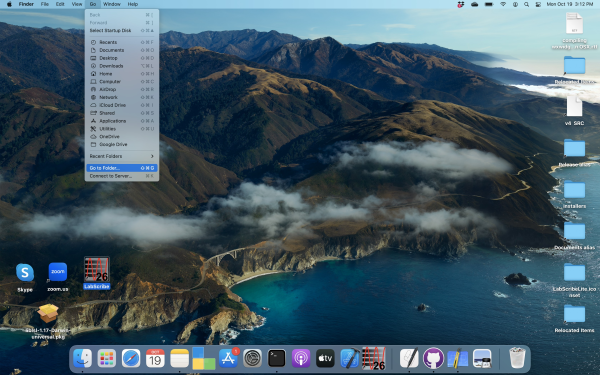
1. On the Mac toolbar, click ‘Go’
2. Click “Go To Folder”
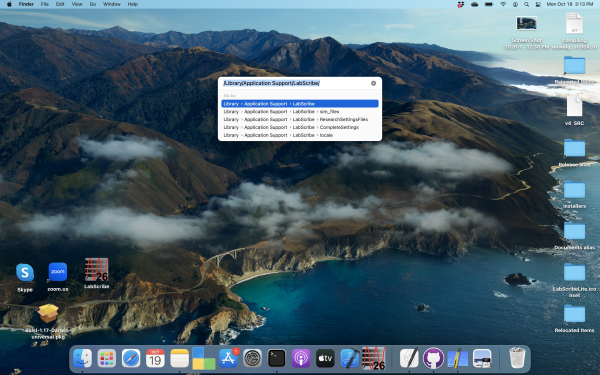
3. Search: /Library/Application Support/LabScribe
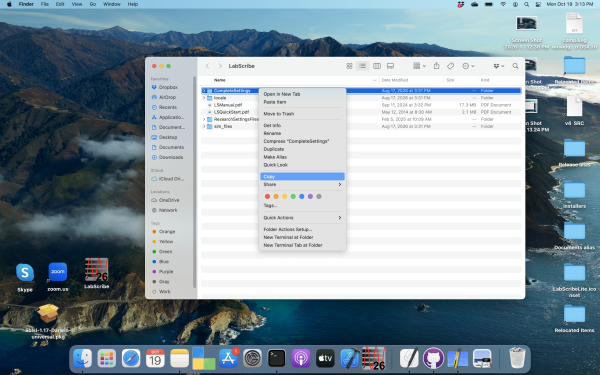
4. The LabScribe folder will open, which contains the Complete Settings folder. Right click on the entire Complete Settings folder, and click Copy.
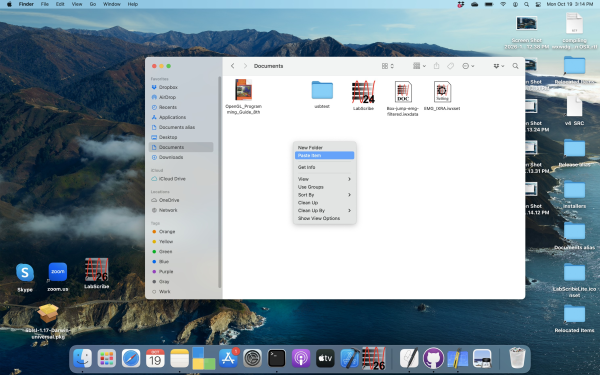
5. Paste the entire Complete Settings folder to the Documents folder.